
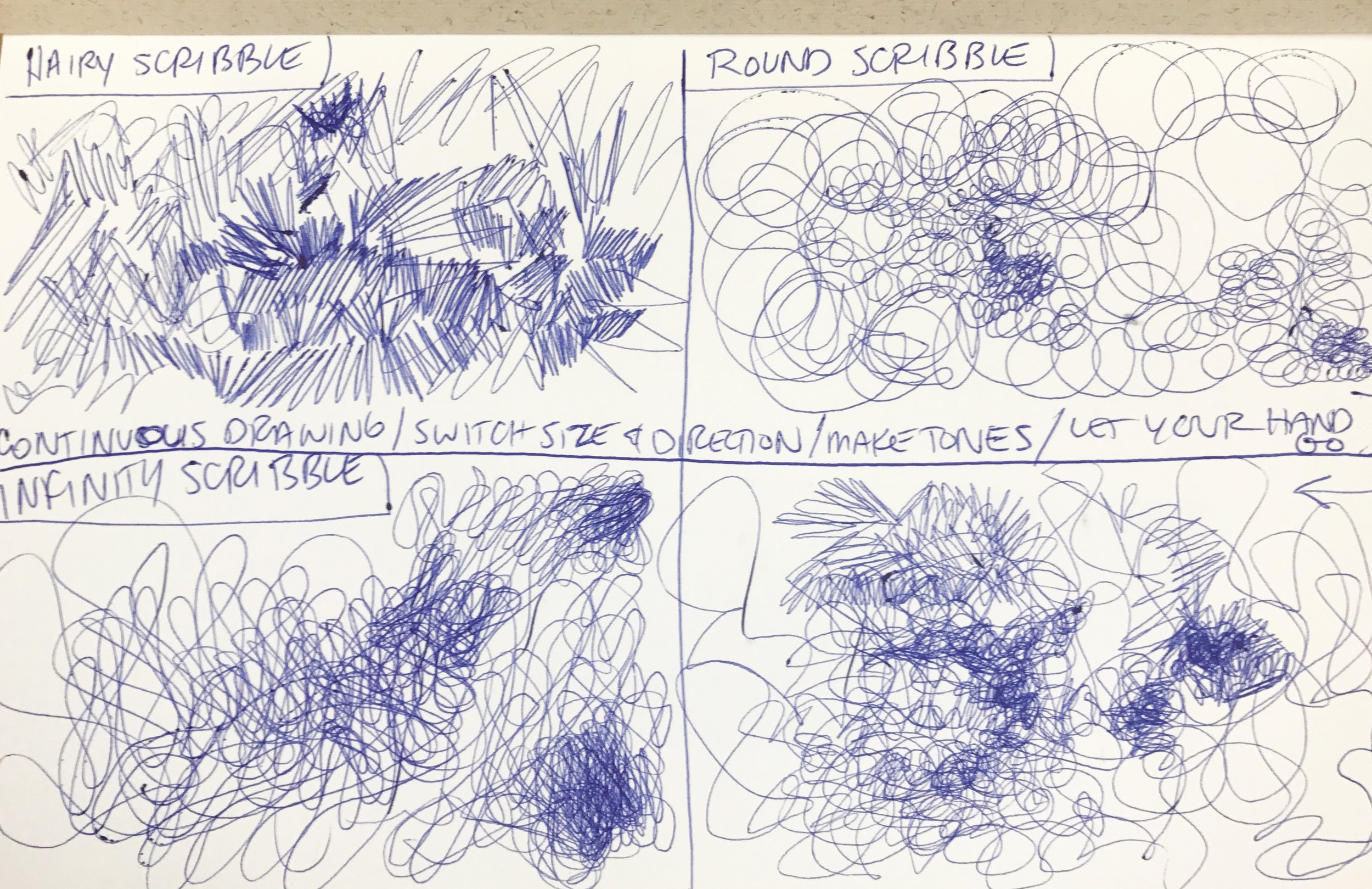
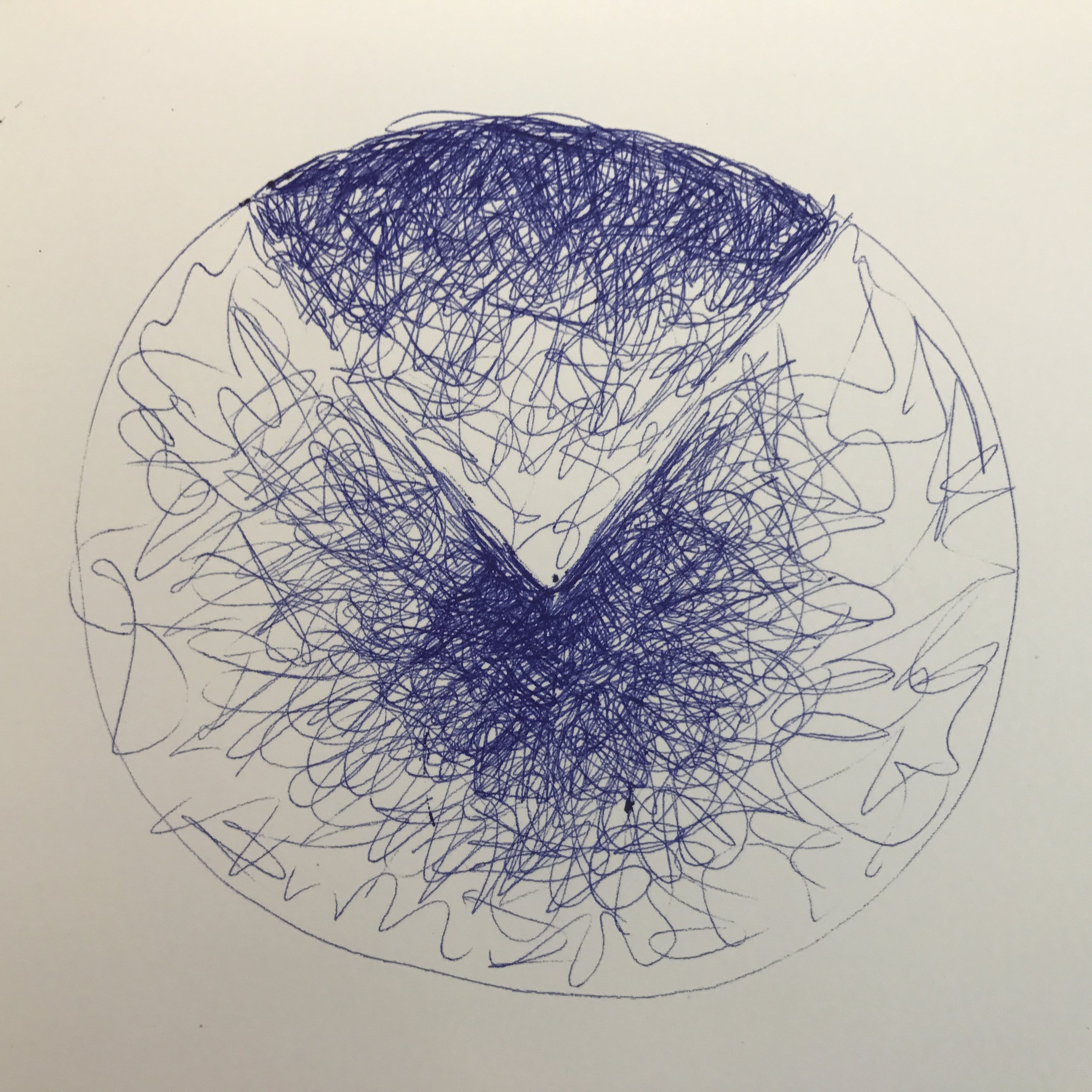
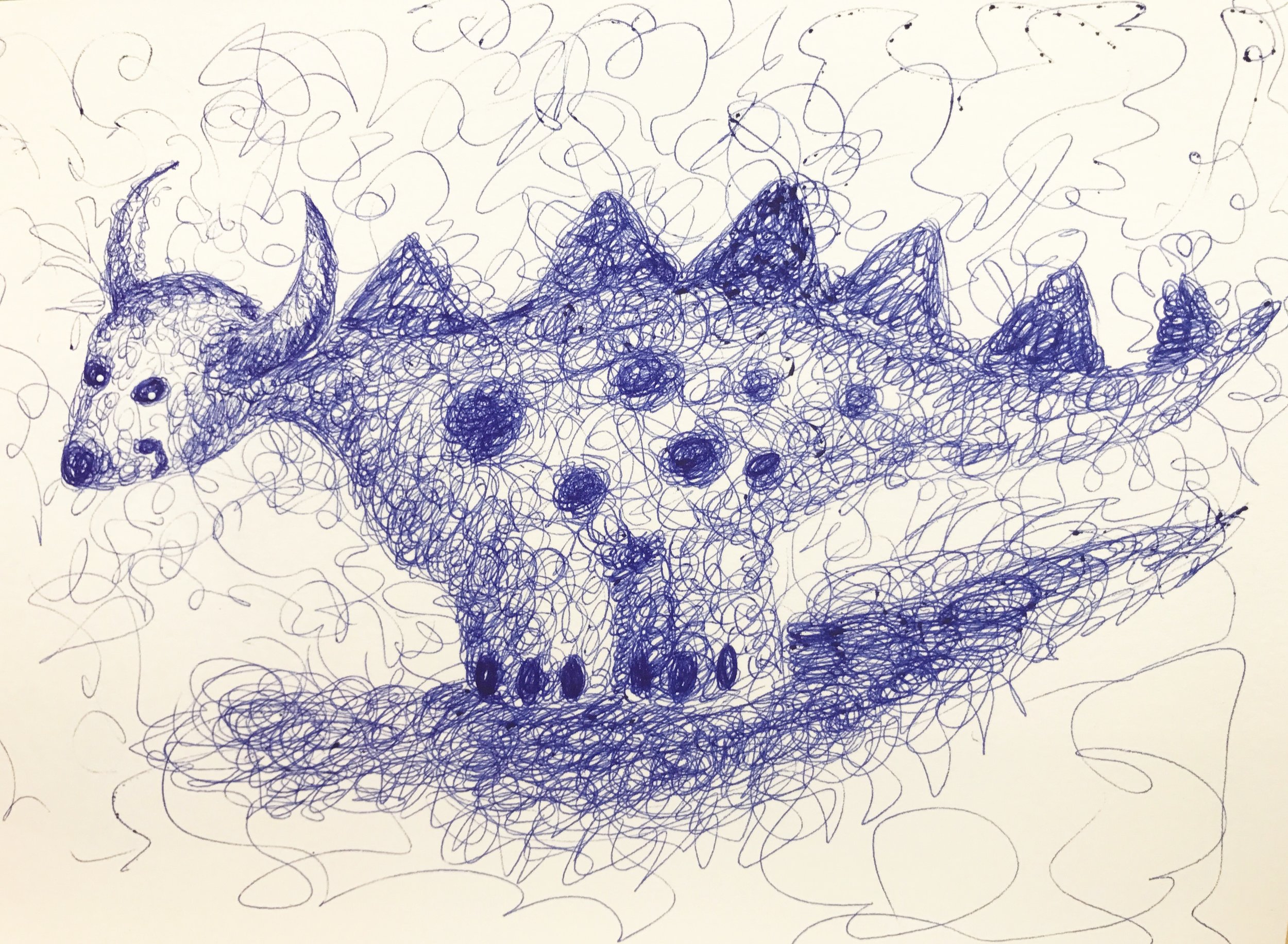
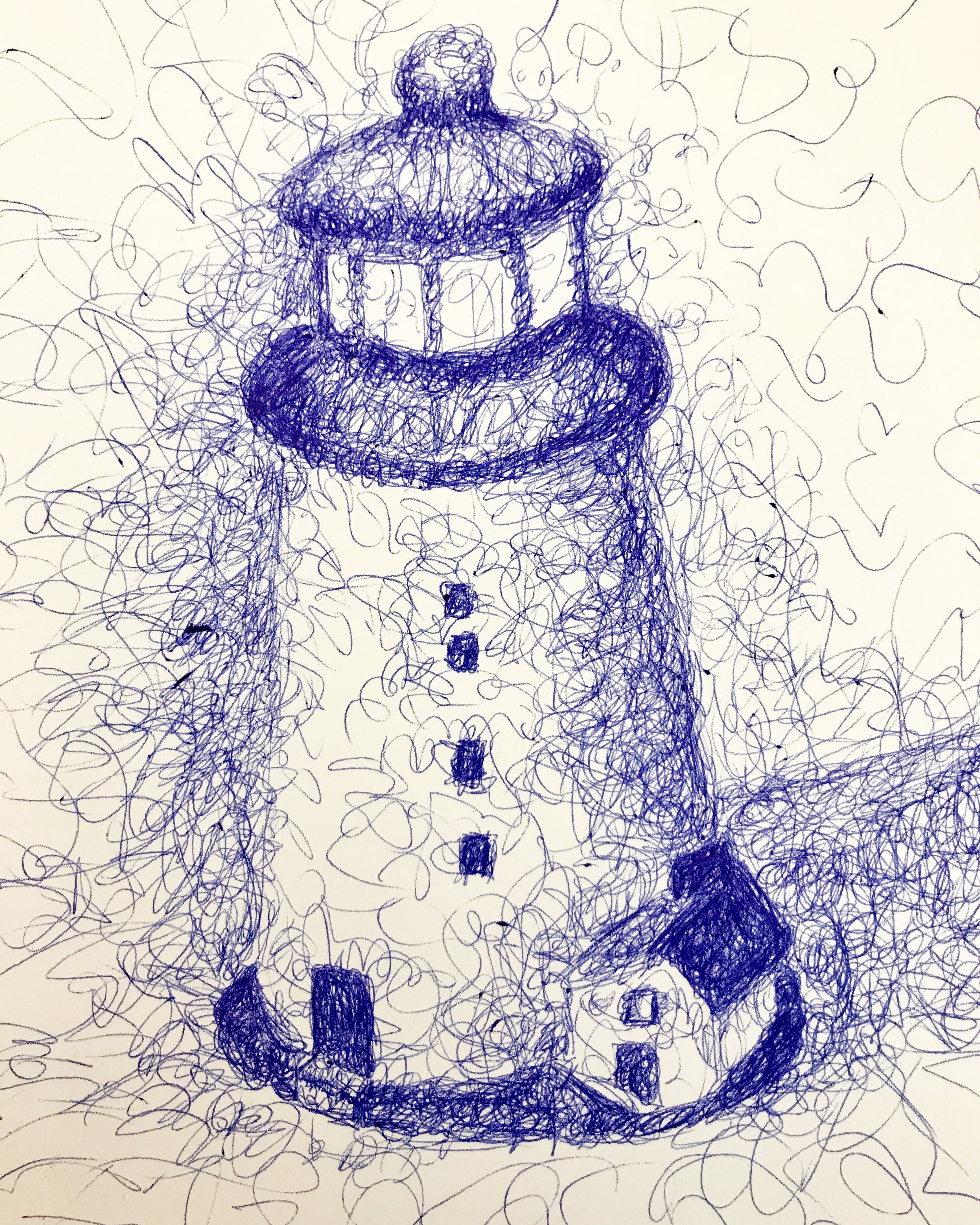

Week 24 - Ballpoint Pen Scribble Art made with various brands of ballpoint pens in a Fabriano Venice 6x9 sketchbook. I've admired the drawings I've seen on Instagram and Youtube made with this technique and how a picture can magically come out of loose scribbles using a ballpoint pen.
After attempting a couple of scribbly drawings, I searched YouTube for other artists demonstrating their technique for some pointers. I also found a short, informative class on Skillshare called Ballpoint Pen Drawing: Scribbling by Alfonso Perez which was quite enjoyable to watch. The class was well organized with a section on different styles of scribbling, how to start your scribble drawing, and leading up to a final project assignment. I practiced the techniques he demonstrated and felt my scribblings were much more successful. I was able to make a ballpoint pen scribbly drawing almost every day for the past two weeks, finding it to be very stress-relieving and rewarding. Though, I occasionally found myself with ballpoint ink on my fingers from drawing with the super inky Papermate Inkjoy pen.
Because I enjoyed this creative activity so much, I thought I would try a digital version with the Apple Pencil on my iPad pro and on The Slate that Brenda gave me for Christmas.
I made a free form scribble drawing on The Slate with a Bic Crystal pen, which was connected to my iMac at work. The Slate is a tablet where paper is attached to the surface and strokes of a pencil or pen are recorded on your iPad or Mac. See my review from earlier this year here. There was an update available for The Slate and it was much improved from the last time I used it. The Slate software, Imagink, recorded my scribbling so that I was able to export the video file for uploading. The strokes of the Bic Crystal pen were very accurately recorded in the Imagink software, though the line pressure was the same darkness in the file on the screen compared to the actual drawing on paper where some areas had less pen pressure than others.
I thought I would also try this technique on my iPad Pro with the Apple Pencil. I used the Procreate app, with the technical pen brush set at the smallest diameter. Scribbling with the Apple Pencil was effortless, there was no lag while drawing. The scribbling was much finer than the other drawing methods. This technique could lead to other variations of this style with different brushes in Procreate.
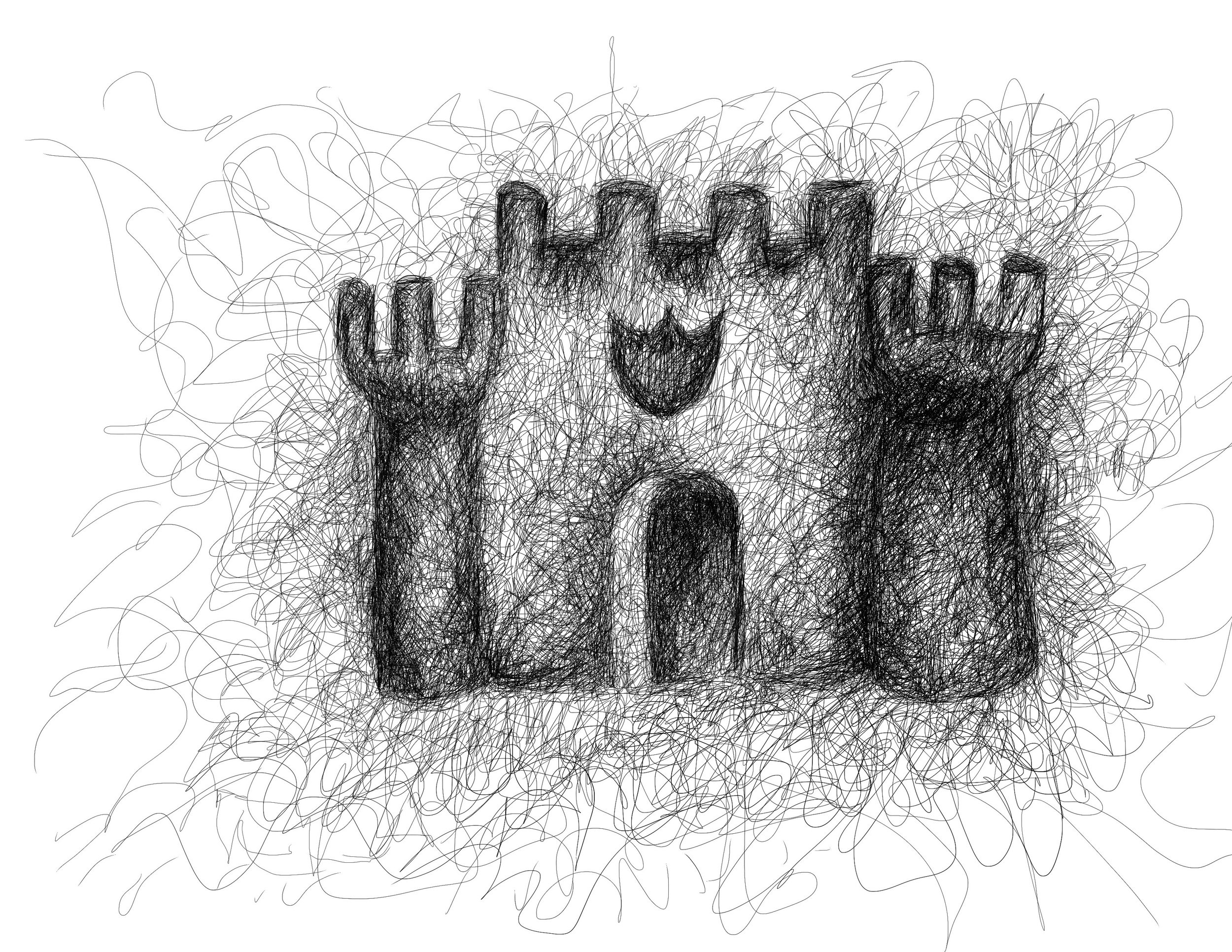

I really enjoyed this drawing exercise, so much so that I spent the past two weeks exploring it, and would like to incorporate it into my sketching routine.
Next up in Create-A-Thon 2017, a year long creative exploration project - make a hand bound sketchbook.