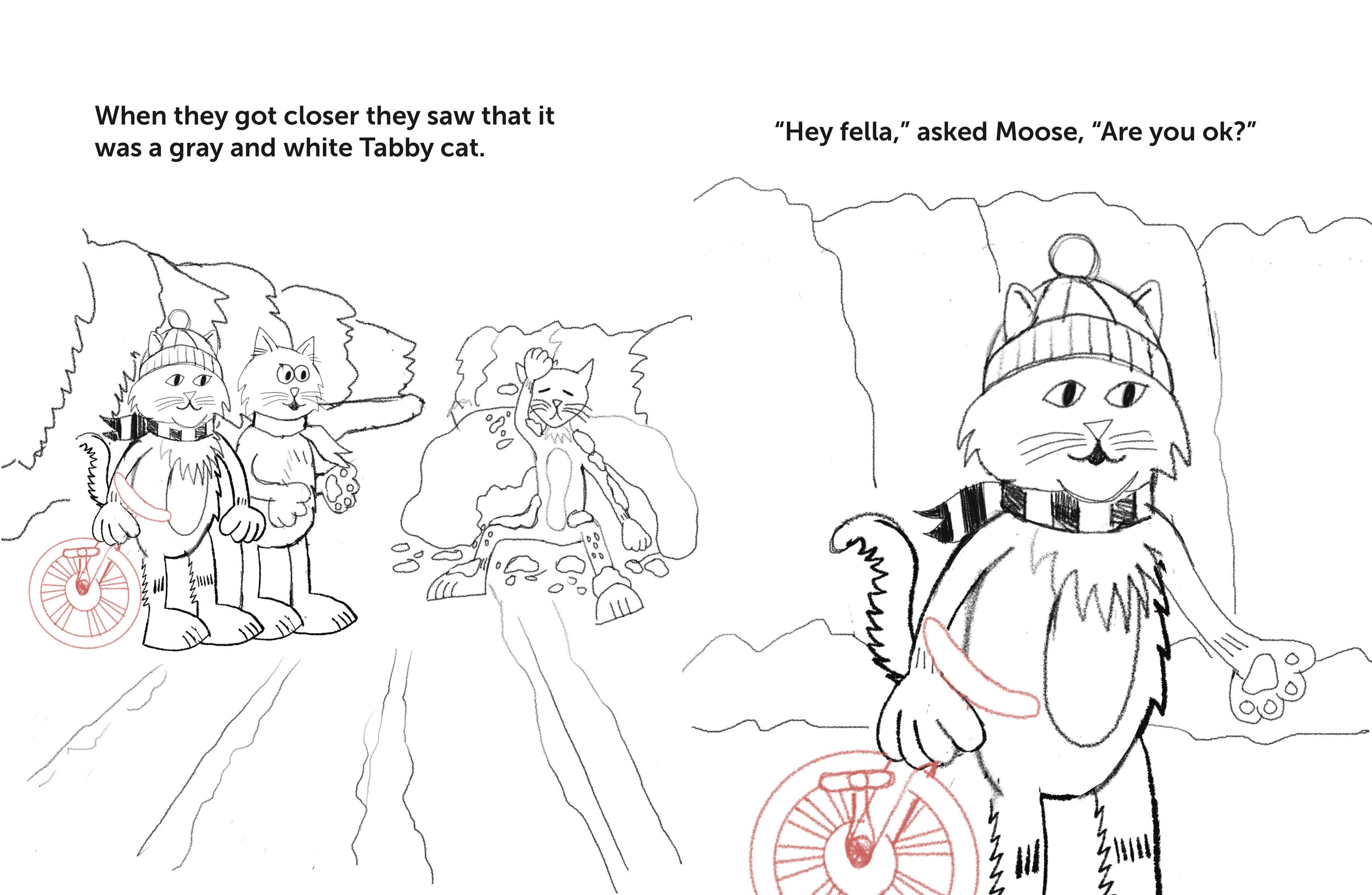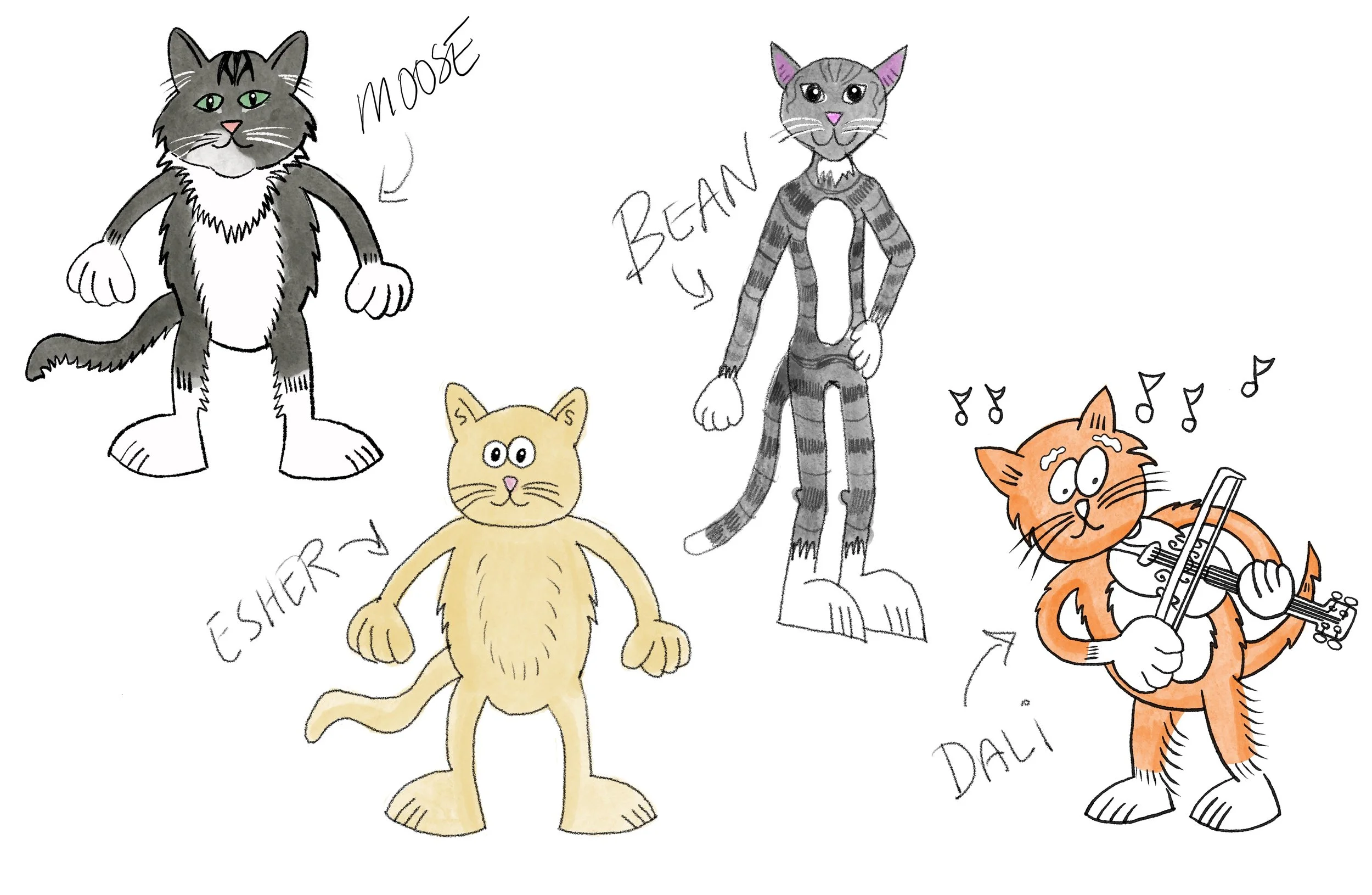
I’m working on a new children’s book, tentatively titled Catnip Cocoa Cats. I wanted to write and illustrate a book about my son Isaac’s two cats, Moose and Bean. Moose was a rescue cat and Bean was found outdoors in need of a new home. The story includes our two cats, Dali and Escher, who are brother cats that were dumpster kitties rescued by a previous supervisor of mine. My story idea went through a few revisions and title changes before I finally settled on a storyline. I’ve gone through the process of creating rough sketches and I’m now refining the sketches page by page. A few of those sketches are shown here. After finishing the preliminary sketches I’ll start adding the line work and final color. This is while going back and forth between the sketches and page layout to place the text.
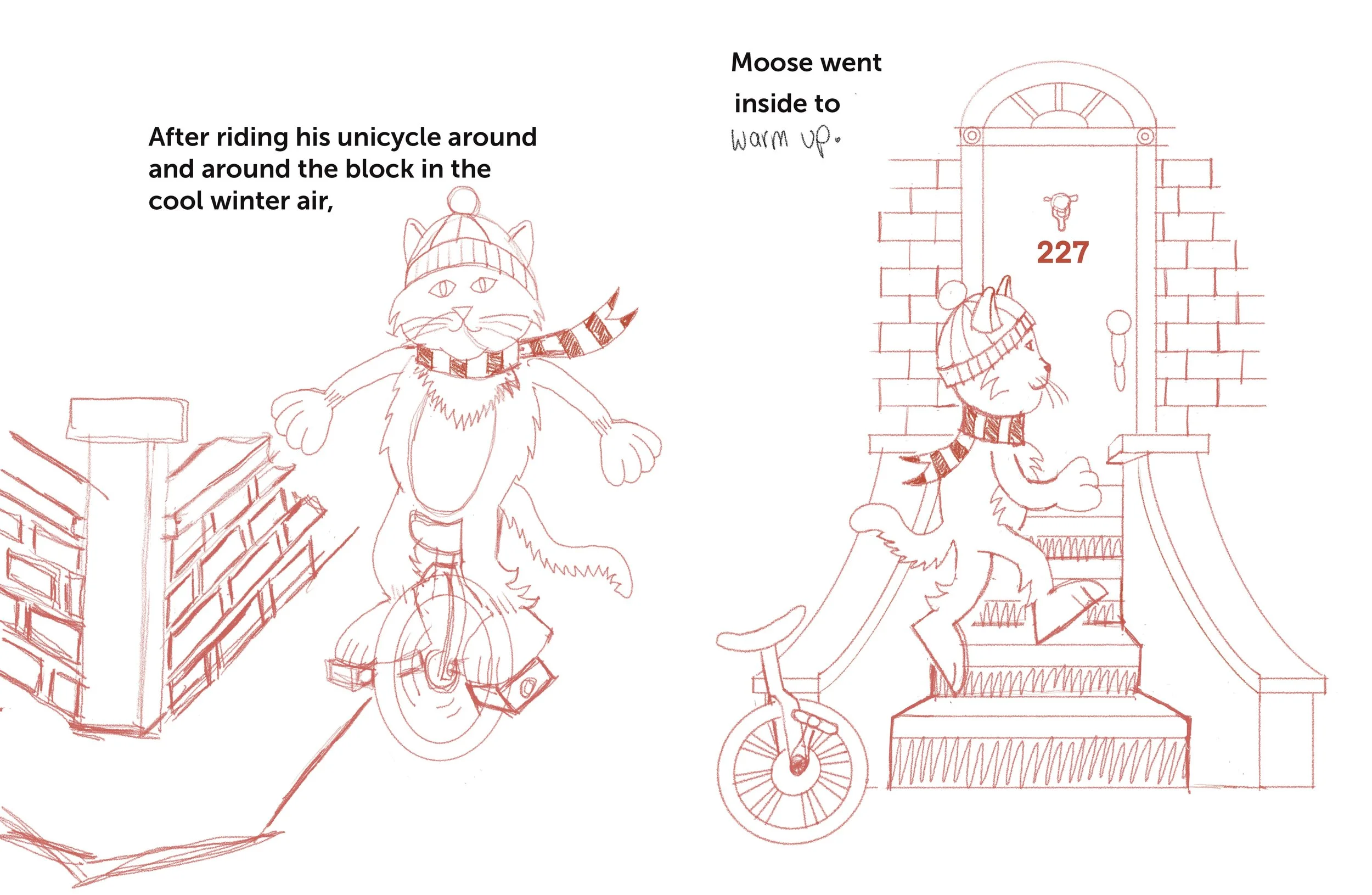
I’ve decided to try out the recently updated Affinity software to publish the book. I previously had used Adobe InDesign, which I have worked with for many years. I want to learn more about using Affinity as an alternative to Adobe software. I will be self-publishing the book on Amazon KDP, as I have the other books that I’ve written and illustrated. I’m using the Procreate app on my iPad Pro to create the sketches and the illustrations. The next step after finishing the story illustrations will be to create the end pages, title page illustration, any other spot illustrations, page layout, and then the cover. The exact cover dimensions are determined by the number of pages in the book. Amazon KDP has a cover calculator where you input the paper type, whether or not there is a bleed, the number of pages, and the size of the book. A bleed is when the images go all the way to the edge of page. The illustrations must be larger than the page size so that they can be trimmed down to the size of the book. This way there are no white edges around the pages.
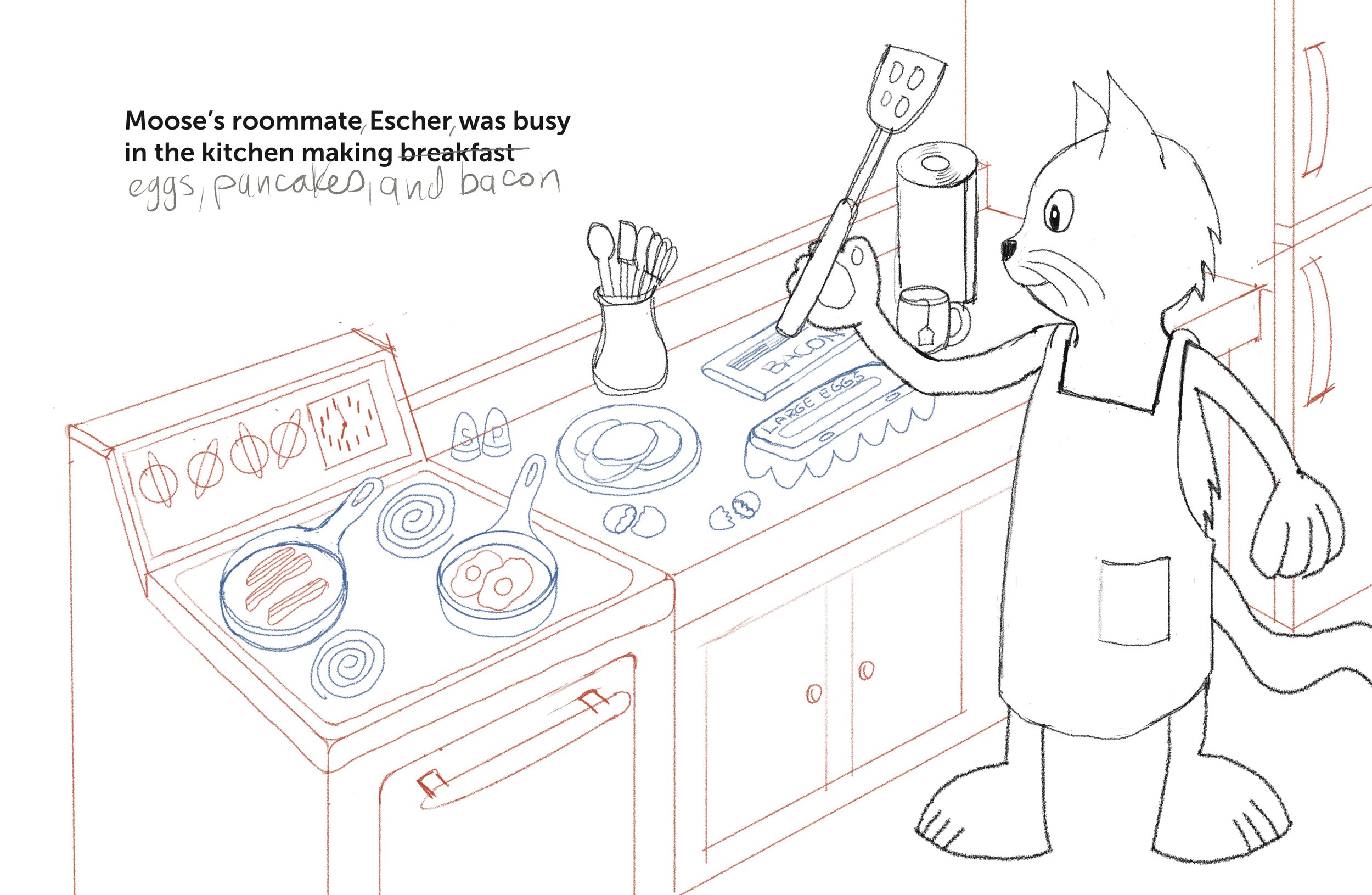
When the illustrations have been completed and the page layout with the type has been formatted, the page layout is exported to a pdf file. After the cover is finished, the interior of the book (the manuscript) and the cover are uploaded separately to Amazon KDP. Amazon assigns the book an ISBN number (unless you’ve already purchased one). All that’s left is to answer the questions about the book and then decide on a selling price based on the cost of printing. Once you input all the information, the files are reviewed by Amazon and then published, usually within 24 hours in my experience. After the printed book is finished, there’s the option of creating a kindle book file from your pdf file.
Well, it’s back to working on my sketches for now. I’ll be updating the blog as I go along working on the rest of the book.