
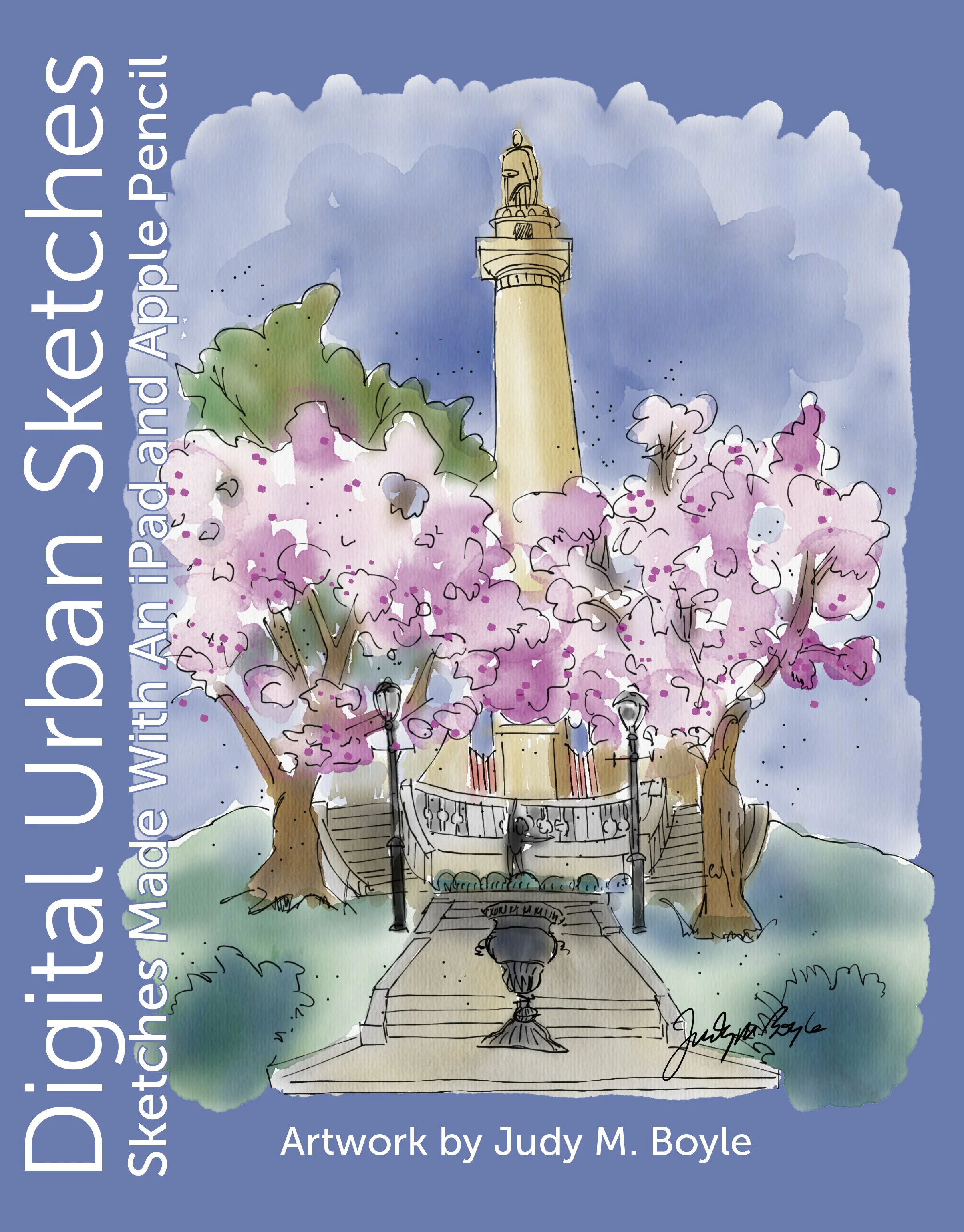
What is urban sketching? It is the recording of time and place, on location, in the form of a sketch. The sketch can be made with pencil, ink, watercolor, markers, or color pencil, usually in a sketchbook. In the case of this book, the urban sketches were made with an iPad and Apple Pencil using the Procreate and Tayasui Sketches Pro (now called Tayasui Watercolor) apps. I first became interested in urban sketching in October 2015, sketching around my hometown of Hanover, Pennsylvania.
Eager to find a group to sketch with, I joined the Harrisburg Sketchers of Harrisburg Pennsylvania, and Urban Sketchers Baltimore, Baltimore, Maryland, both in October 2017. In 2018, I became interested in Digital Urban Sketching using an iPad after I saw several others in the urban sketching community sketching in that way.
Over the years I have used several iPad Pro models (12.9” and 11”), iPad 6, iPad Air, iPad Mini 5, and an iPad Mini 7, all with Apple Pencil. The iPad mini fits nicely into my everyday bag so that I always have it ready. I received for my birthday in 2018 an Etchr Slate Art Bag that was handy for standing and sketching. The Slate Bag converts to a portable easel with a strap around your neck and shoulder. It also has a tripod mount on the back, which was great for when I used the bag at figure drawing sessions.
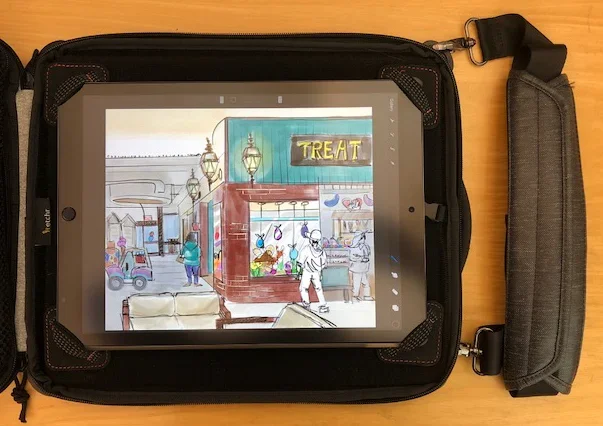
Etchr Slate Art Bag
I like my digital urban sketches to look like traditional sketches. I use a set of watercolor brushes for Procreate that mostly look like watercolor, but I haven’t settled on an ink brush that I like. I use the Tayasui Watercolor app (formerly Tayasui Sketches Pro) for most of my digital watercolor sketches. I love the fountain pen tool and the watercolor looks very vibrant and more realistic than Procreate. Adobe Fresco has live watercolor brushes, but I haven’t worked with those much.
The great thing about sketching on an ipad is that you can use many different brushes and effects if you like to experiment without having to carry all those extra supplies with you. Another great thing is that you can work in layers, making your initial sketch on one layer and adding the ink and color in layers for more flexibility. Of course, there’s the two-finger tap to undo.
It is a little harder to sketch on an iPad when you are in bright sunlight, it’s best to find some shade in which to sketch. It’s a good idea to have a portable charger with you when sketching on an iPad for an extended period.
Though I love to sketch on an iPad, I still like to draw in a sketchbook with a real pen, so I carry a sketchbook, pens, and watercolors with me in my everyday bag.
I think you will enjoy browing through this book of sketches made on an iPad!